October 2026
Import files from Google Drive and Google Docs
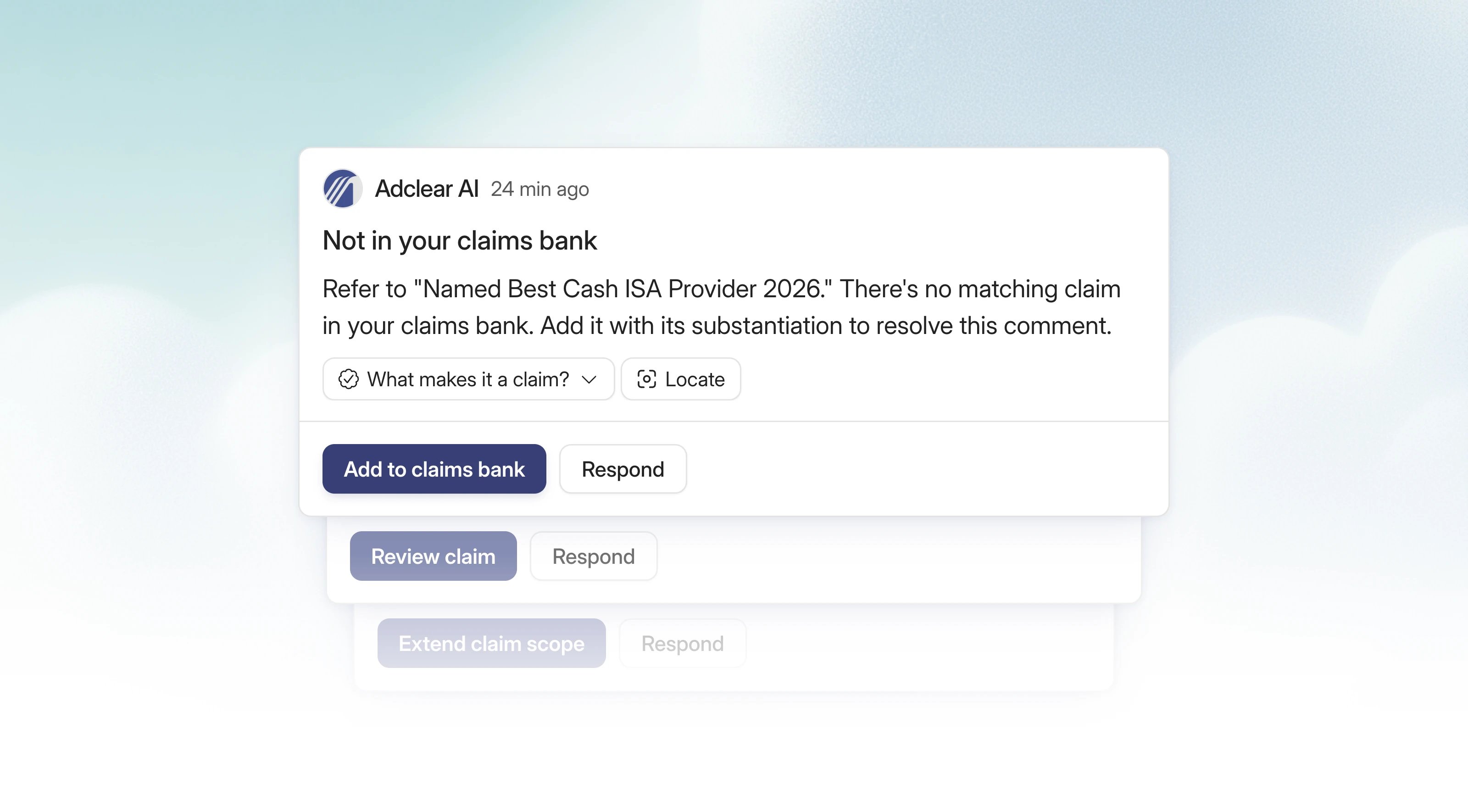
Add and approve claims from an Adclear comment
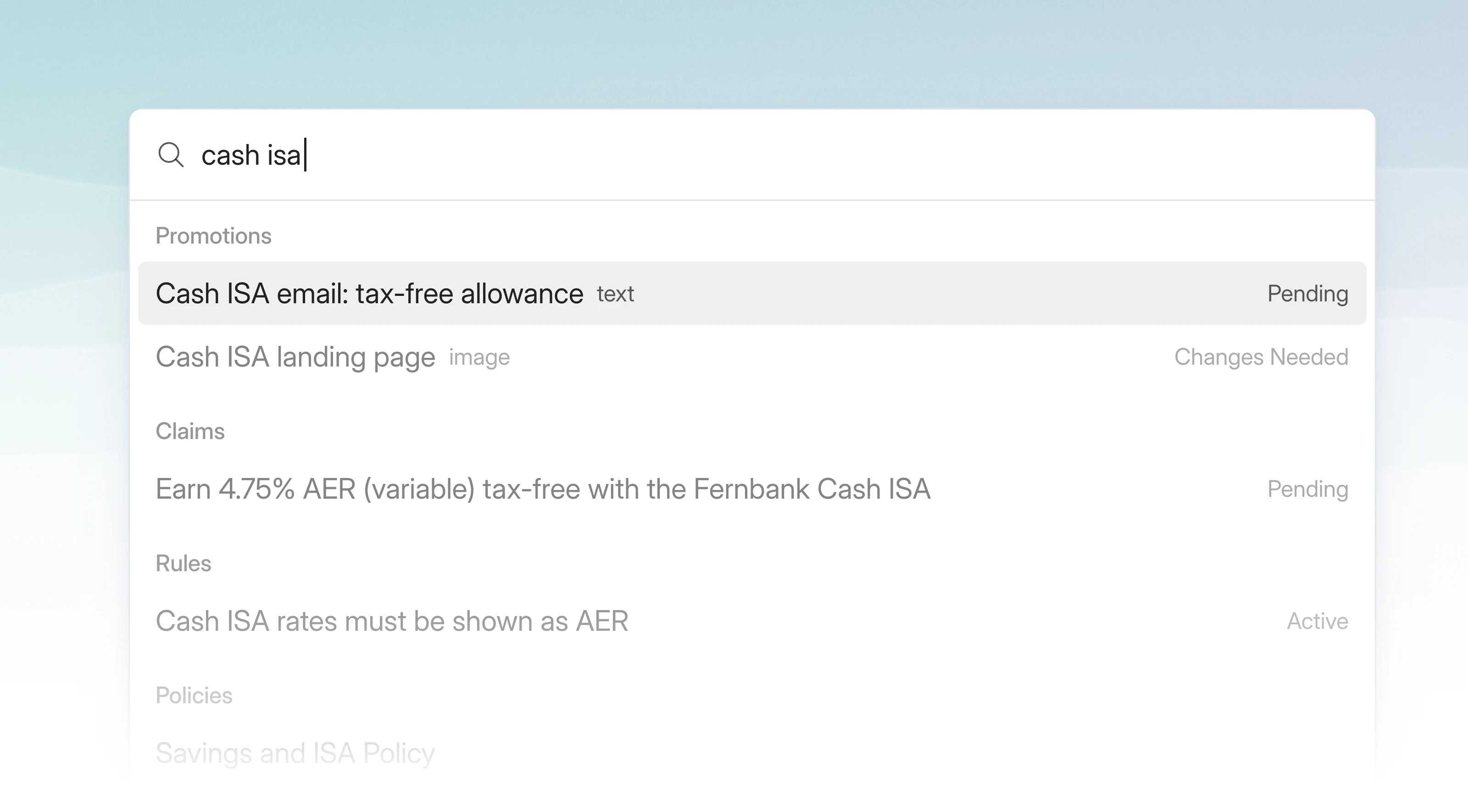
Command palette
Improvements
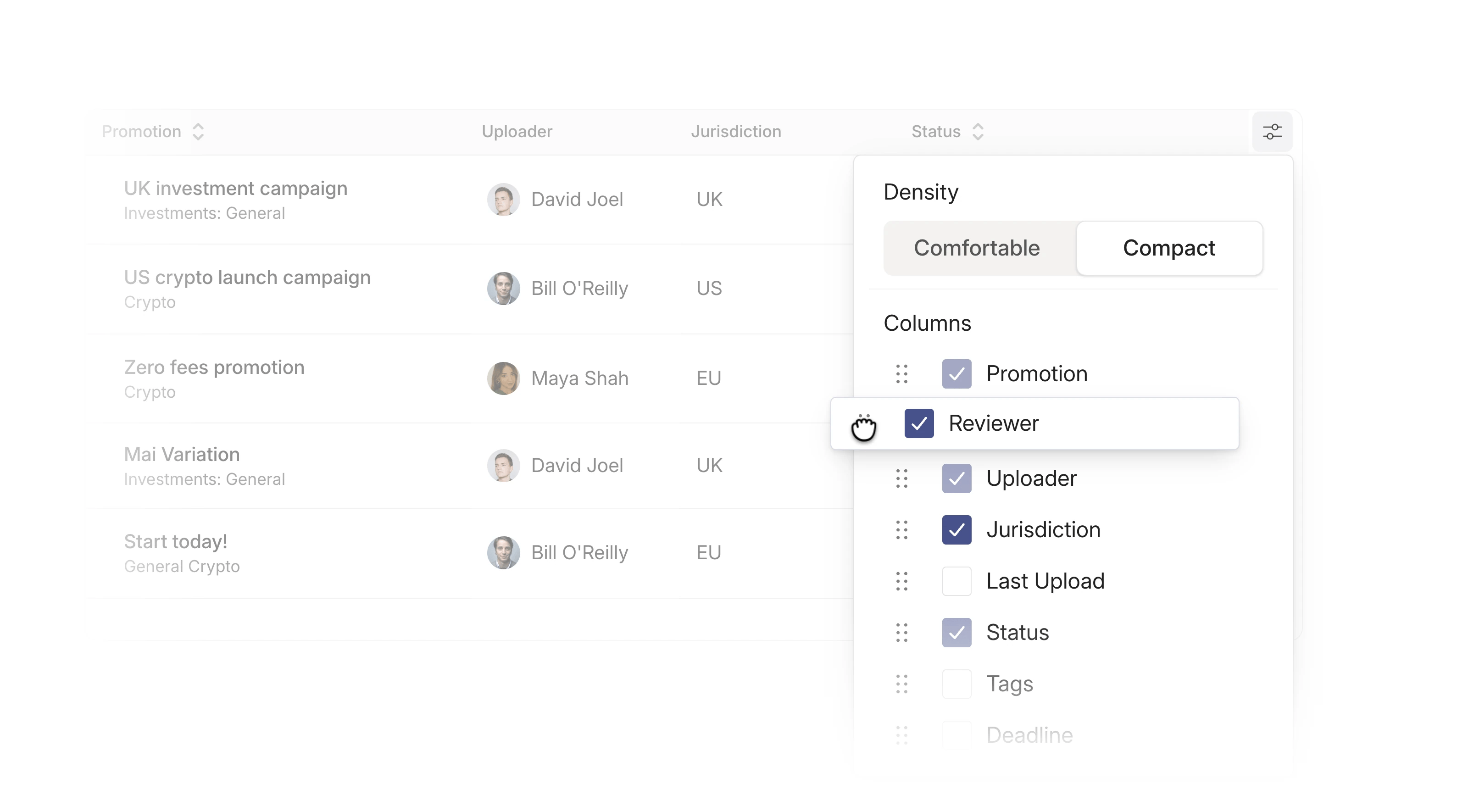
- Spot resubmissions at a glance. On My Tasks or the Promotion Dashboard, open the sliders icon at the top right and turn on Times reviewed under Status badges. You can also filter by Times reviewed. See Spotting resubmissions.
- Filters now have Select all and Clear buttons. Tag filters also have a No tag option, for promotions that don’t have a tag.
- If a promotion can’t be submitted for review, Adclear now tells you why.
- You can now upload up to 20 files to a variations promotion, up from 15. To add another variation after you’ve submitted, use the + on the variation tabs.
- If your rules check the links in a promotion, Adclear now spots broken links more reliably and flags fewer working links by mistake.
September 2026
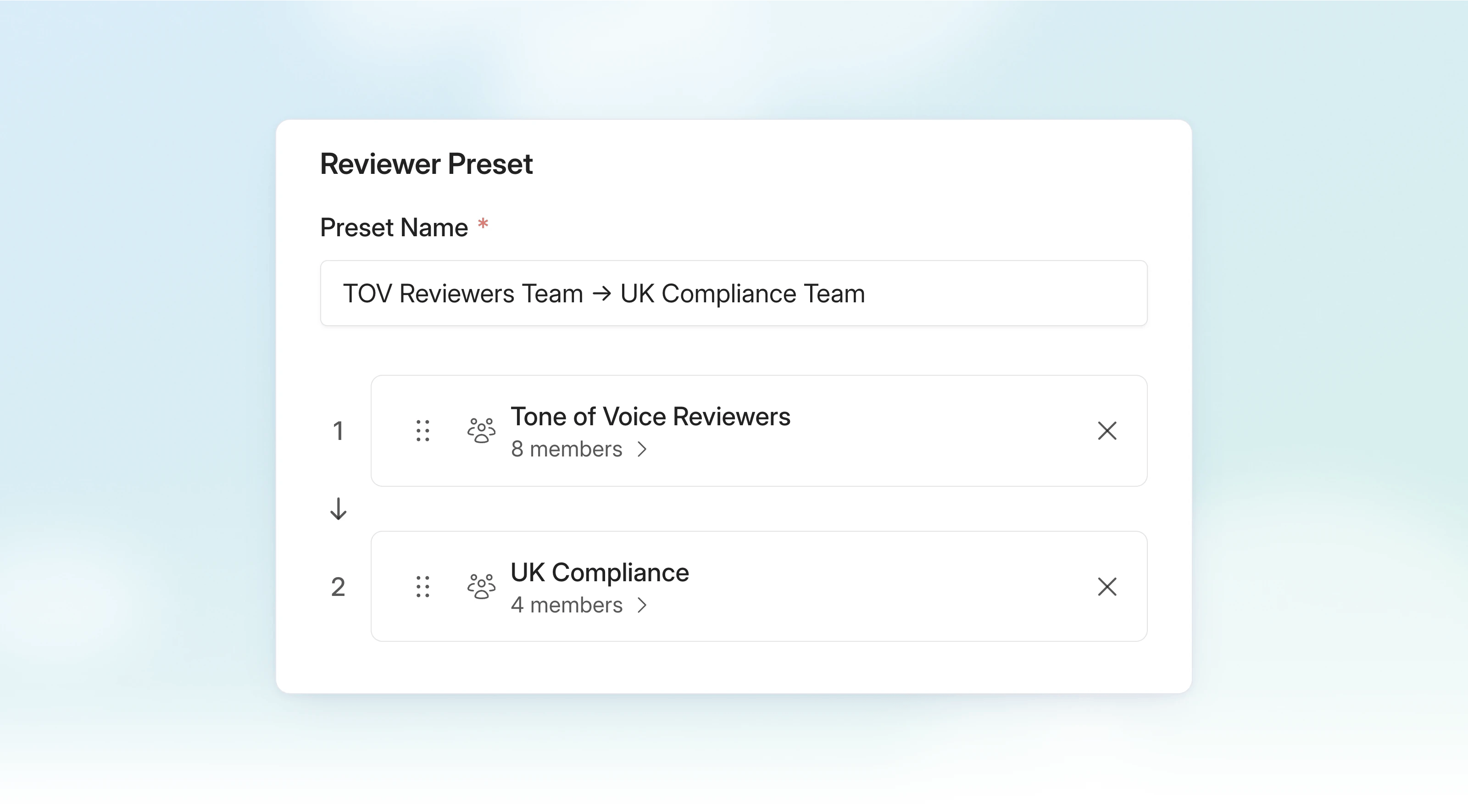
Teams
Configurable tables
Promotion lifecycle dates
Record when a promotion was published, taken down, or recalled, including the reason for a recall. You can find these dates in the Info tab on a promotion.Configurable review reminders
Admins can now set the first reminder from 1 to 90 days before a claim expires or a claim or promotion needs reviewing. Configure it per workspace in compliance settings. The final reminder still arrives one day before the date.Improvements
- Find promotions by ID or name in the Promotion dashboard. Search also supports disclaimer IDs.
- Unsent comments stay as drafts when you navigate away and return.
- Drop a mix of file types into the new promotion input in one go.
- Service incidents now appear as a banner inside Adclear.
August 2026
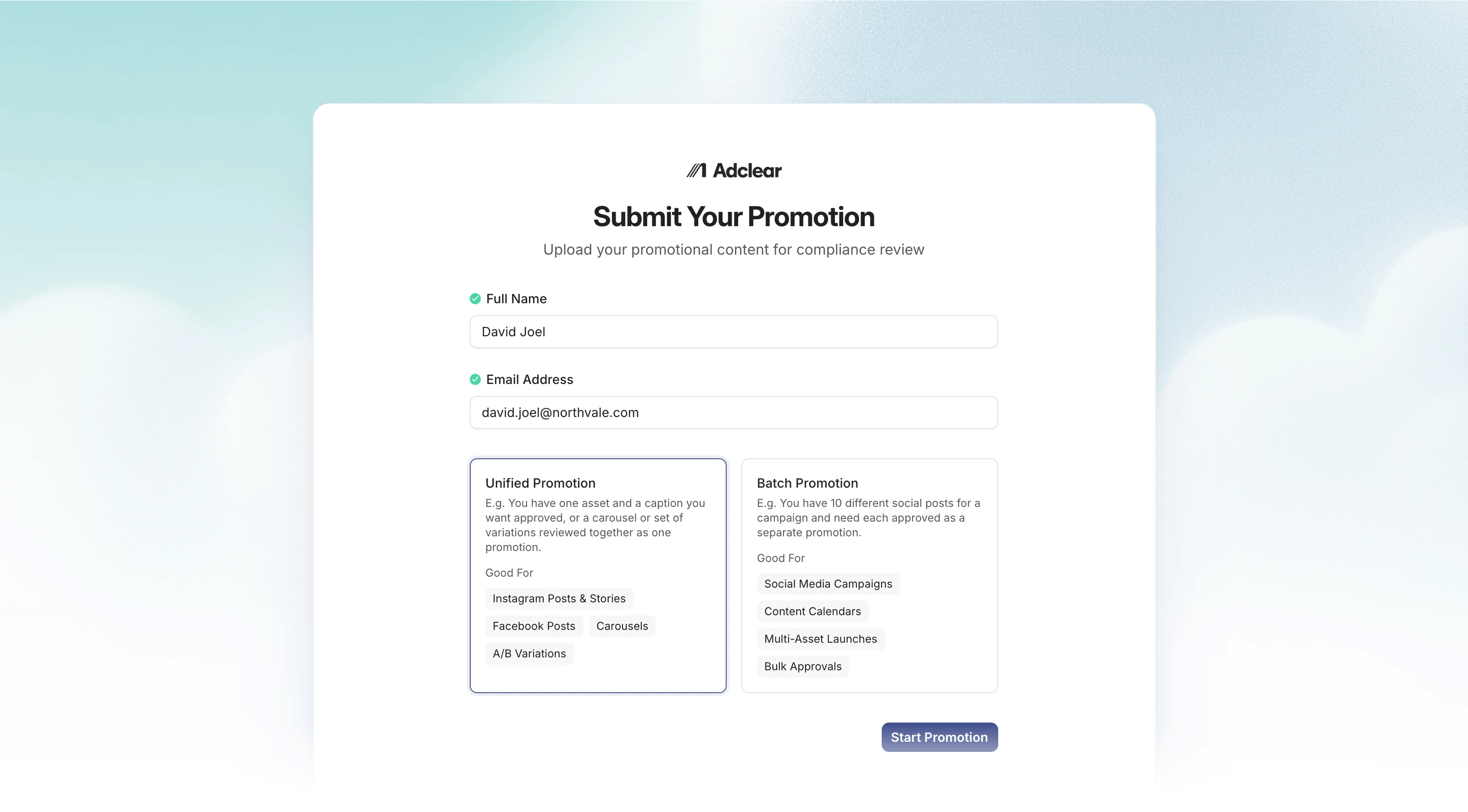
External submissions